How to Speed Up a WordPress Website in Ireland
WordPress powers a significant proportion of Irish business websites — but out of the box, it is not fast. The combination of theme overhead, plugin accumulation, and default hosting configurations means that the majority of WordPress sites in Ireland are operating well below their performance potential.
This guide covers the practical steps to improve WordPress website speed, in order of impact.
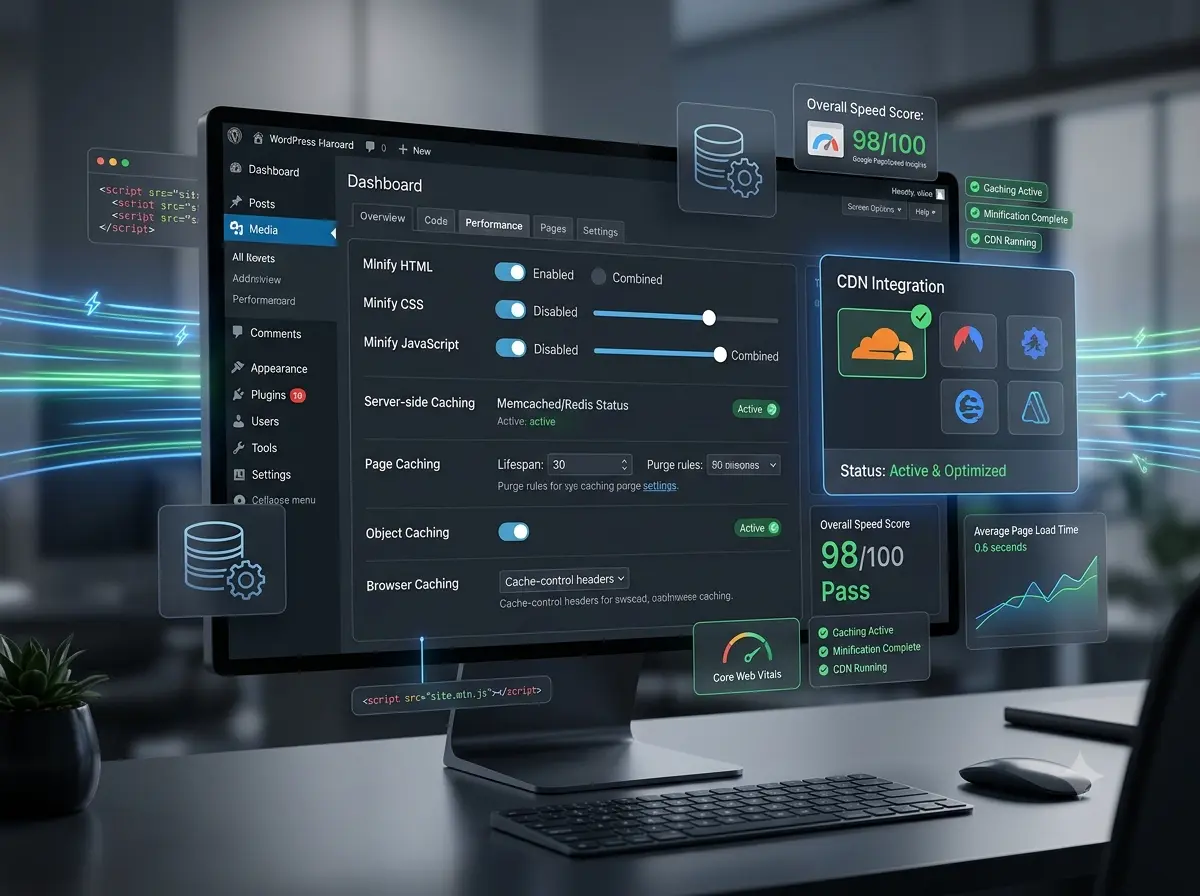
Start With a Baseline Score
Before making any changes, establish your current performance baseline using Google PageSpeed Insights. Record your mobile and desktop scores, and the specific Core Web Vitals readings for LCP, INP, and CLS. This gives you a benchmark to measure improvements against and helps prioritise which issues to address first.
A professionally optimised WordPress site should achieve 90+ on both mobile and desktop. If your site is scoring below 60 on mobile, every issue in this guide likely applies.
Optimise Your Images First
Images are the single largest contributor to slow WordPress load times in the majority of cases. The remediation steps are:
- Convert all images to WebP format (a modern compression format significantly smaller than JPEG or PNG)
- Serve images at appropriate dimensions for the device — not at print resolution
- Implement lazy loading so off-screen images do not block initial page render
- Use a CDN (Content Delivery Network) to serve images from a server geographically close to your Irish visitors
Plugins such as ShortPixel or Imagify automate the conversion and compression process. For newly uploaded images, a properly configured media library handles this on upload.
Configure Caching Correctly
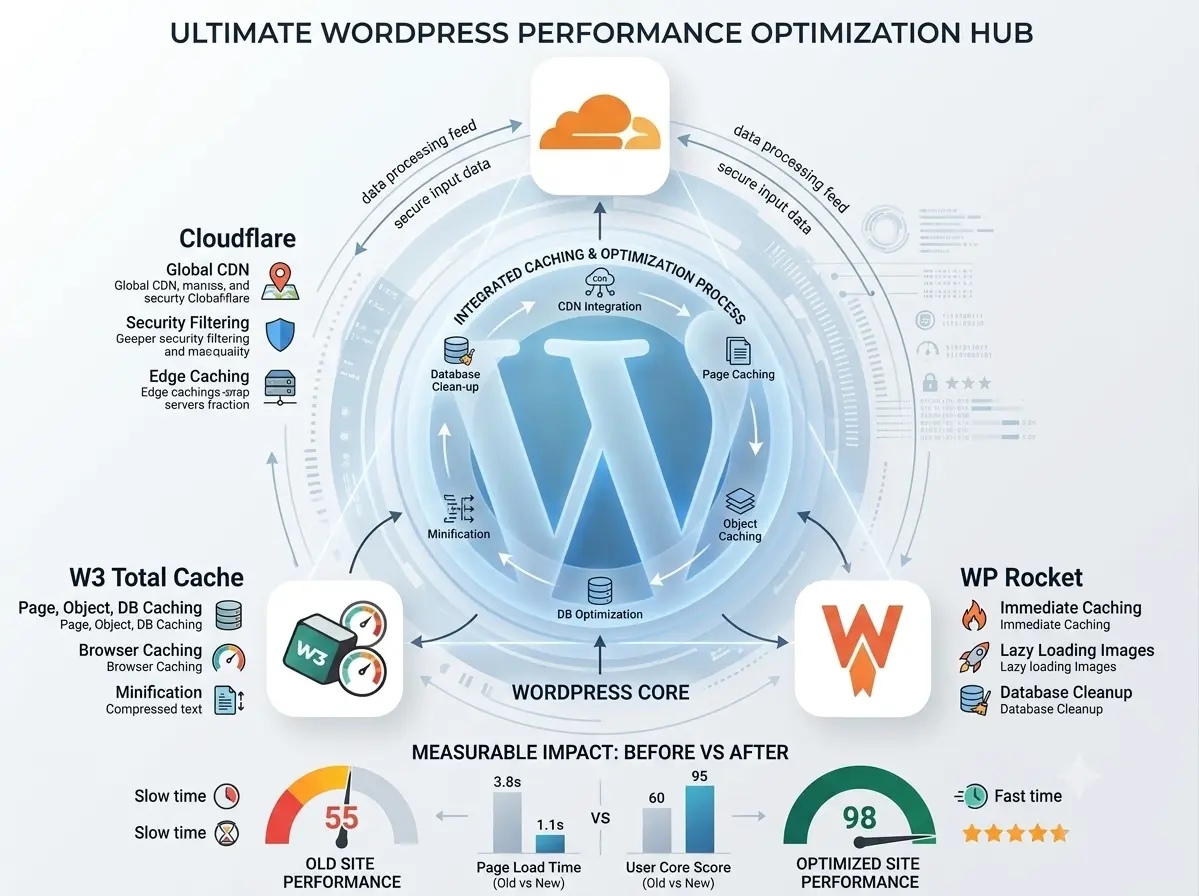
Caching stores a static version of your pages so they can be served instantly to returning visitors without regenerating from the database each time. For most Irish WordPress sites, implementing caching correctly can reduce load times by 40–60%.
WP Rocket is the most comprehensive caching plugin available and covers page caching, browser caching, and database optimisation in a single configuration. W3 Total Cache and LiteSpeed Cache are capable free alternatives depending on your hosting environment.
Note that caching configuration requires understanding your hosting setup — some managed WordPress hosts (such as WP Engine or Kinsta) handle caching at the server level and conflict with plugin-based caching solutions.
Address Plugin Bloat
Every active WordPress plugin adds HTTP requests, CSS, and JavaScript to your pages — whether or not the current page uses that plugin's functionality. Audit your active plugin list and remove anything not providing active value.
For page builder-heavy sites (Elementor, Divi, WPBakery), the performance overhead is structural. These builders load their full asset stack on every page regardless of usage. In many cases, the only path to a high-performance score is to migrate the site to a leaner theme or a custom build.
Upgrade Your Hosting
Shared hosting packages from low-cost providers throttle Time to First Byte (TTFB) — the time it takes the server to respond to a browser request. No amount of plugin optimisation compensates for a slow server.
For Irish WordPress sites receiving moderate traffic, managed WordPress hosting from providers such as Kinsta, WP Engine, or SiteGround Business provides a meaningful performance uplift over shared hosting at a justifiable monthly cost.
When to Commission a Professional Audit
If the above steps have been applied and performance scores remain below 80 on mobile, the issue is likely structural — related to theme architecture, plugin conflicts, or hosting environment. A professional performance audit identifies the root causes and implements fixes at the code level.
WordPress optimisation services cover this scope comprehensively, with Lighthouse-verified results on completion. If your site is performing consistently below the standard required for Irish search competitiveness, optimising your website starts with a brief technical review.
For context on the causes and consequences of slow sites beyond WordPress specifically, the companion article on why your website is slow covers the diagnostic framework in detail.
A slow WordPress site is not a WordPress problem — it is a configuration problem. Every element of the performance issue is diagnosable, fixable, and measurable. The starting point is knowing where you stand.