Why Is My Website Slow? The Most Common Causes for Irish Businesses
A slow website is not a minor inconvenience. It is a direct drain on revenue. Google's research shows that 53% of mobile visitors abandon a site that takes longer than three seconds to load — and in the Irish market, where mobile browsing now accounts for more than 60% of web traffic, that number has real commercial consequences.
If your site is slow, there are specific, diagnosable reasons why. This guide covers the most common causes and what a proper fix looks like.
How to Know If Your Site Is Actually Slow
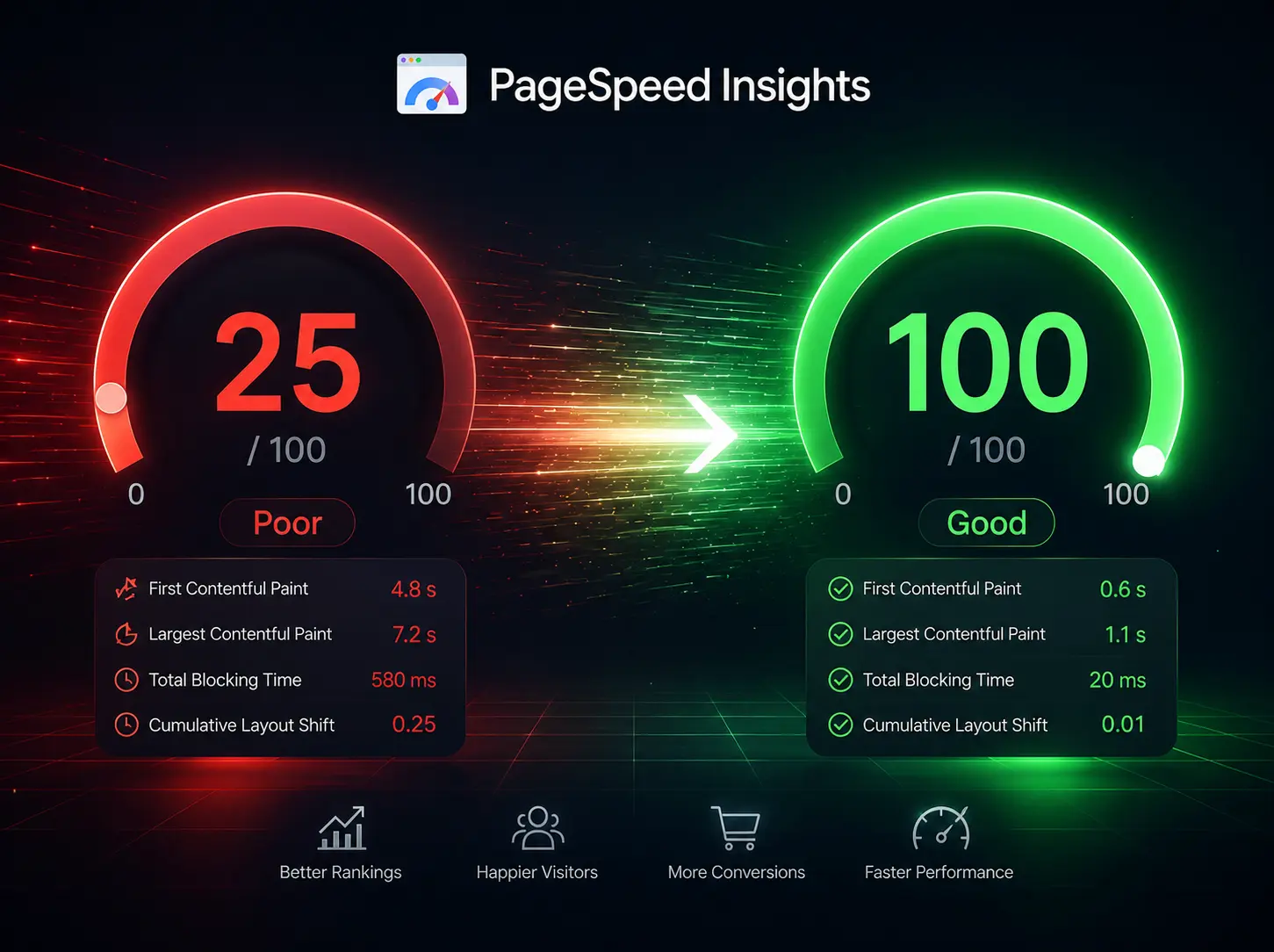
Before diagnosing causes, establish a baseline. Paste your URL into Google PageSpeed Insights (pagespeed.web.dev) and run the test on mobile. The resulting Lighthouse score reflects real-world performance across four metrics:
- Largest Contentful Paint (LCP) — how long until the main visible content loads
- First Input Delay (FID) / Interaction to Next Paint (INP) — how quickly the page responds to user interaction
- Cumulative Layout Shift (CLS) — whether elements jump around as the page loads
- Time to First Byte (TTFB) — how quickly the server responds
A score below 50 on mobile is a significant problem. A score of 90 or above is the professional standard.
The Most Common Causes of Slow Websites
Unoptimised images. This is the most frequent culprit, particularly on sites built without a dedicated developer. Images uploaded at print resolution (3–5MB each) served to a mobile device create enormous, unnecessary load. Modern best practice is to serve images in WebP format at appropriate sizes, with lazy loading applied to off-screen content.
Bloated plugins and page builders. WordPress sites built with Elementor, Divi, or similar visual builders load multiple CSS and JavaScript files regardless of whether the current page uses them. This bloat is structural and cannot be resolved through caching alone.
No caching configuration. Without server-side or CDN caching, every page request is generated fresh — meaning repeated visitors experience the same load time as first-time ones.
Shared hosting limitations. Low-cost shared hosting packages throttle server response times, directly affecting TTFB scores. This is particularly evident during peak traffic periods.
Render-blocking scripts. Third-party scripts — Google Tag Manager, chat widgets, social media embeds — loaded in the document head block page rendering until they resolve. Proper script loading configuration resolves this.

What a Proper Performance Fix Looks Like
A comprehensive performance audit and remediation covers:
- Image optimisation and conversion to modern formats (WebP, AVIF)
- Script loading optimisation (defer and async attributes)
- CSS and JavaScript minification and code splitting
- Caching configuration (browser caching, server-side caching, CDN setup)
- Hosting environment review and upgrade where necessary
- Removal of unused plugins and scripts
- Core Web Vitals verification post-remediation
This is not a one-afternoon task — a thorough performance optimisation engagement typically takes two to four days and produces measurable, Lighthouse-verified results.
Review website speed optimisation services for a detailed scope of what a performance audit covers. The performance improvements section of the portfolio includes before-and-after Lighthouse scores from completed engagements.
Ready to fix your website speed? A brief conversation about your current platform and scores is a good starting point.
A slow website is not a cosmetic problem. Every second of unnecessary load time is costing your Irish business visitors, conversions, and search rankings. The fix is technical, verifiable, and measurable.